Create, send and manage invoices effortlessly.
No spreadsheets, no friction.
Built for freelancers and small businesses across the US, UK, New Zealand, Canada, Australia and more. 200+ templates, guest mode with no account required, and text2invoice — turn free-form text into a complete invoice in seconds.


Why freelancers and small businesses choose Invoicefy
Your entire invoicing workflow, minus the headaches
From first draft to final payment — professional, fast and beautiful.
text2invoice (AI)
Describe your work in plain text and AI extracts client, line items, amounts and due dates automatically.
200+ customizable templates
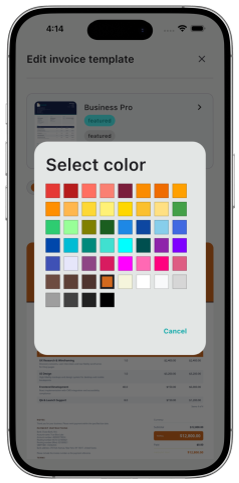
Pick a template and customize primary, secondary and tertiary colors to match your brand.

Multiple businesses, one account
Create, switch and manage several businesses from a single account. Your primary business is always protected.

Client management
Create, edit and reuse clients across invoices, with country-aware tax ID and address formatting.

Automatic email delivery
Invoices are sent by email automatically, with a full history of every event — sent, overdue, paid, cancelled.

Payments and receipts
Record full or partial payments, attach proof of payment, and keep every invoice status accurate.
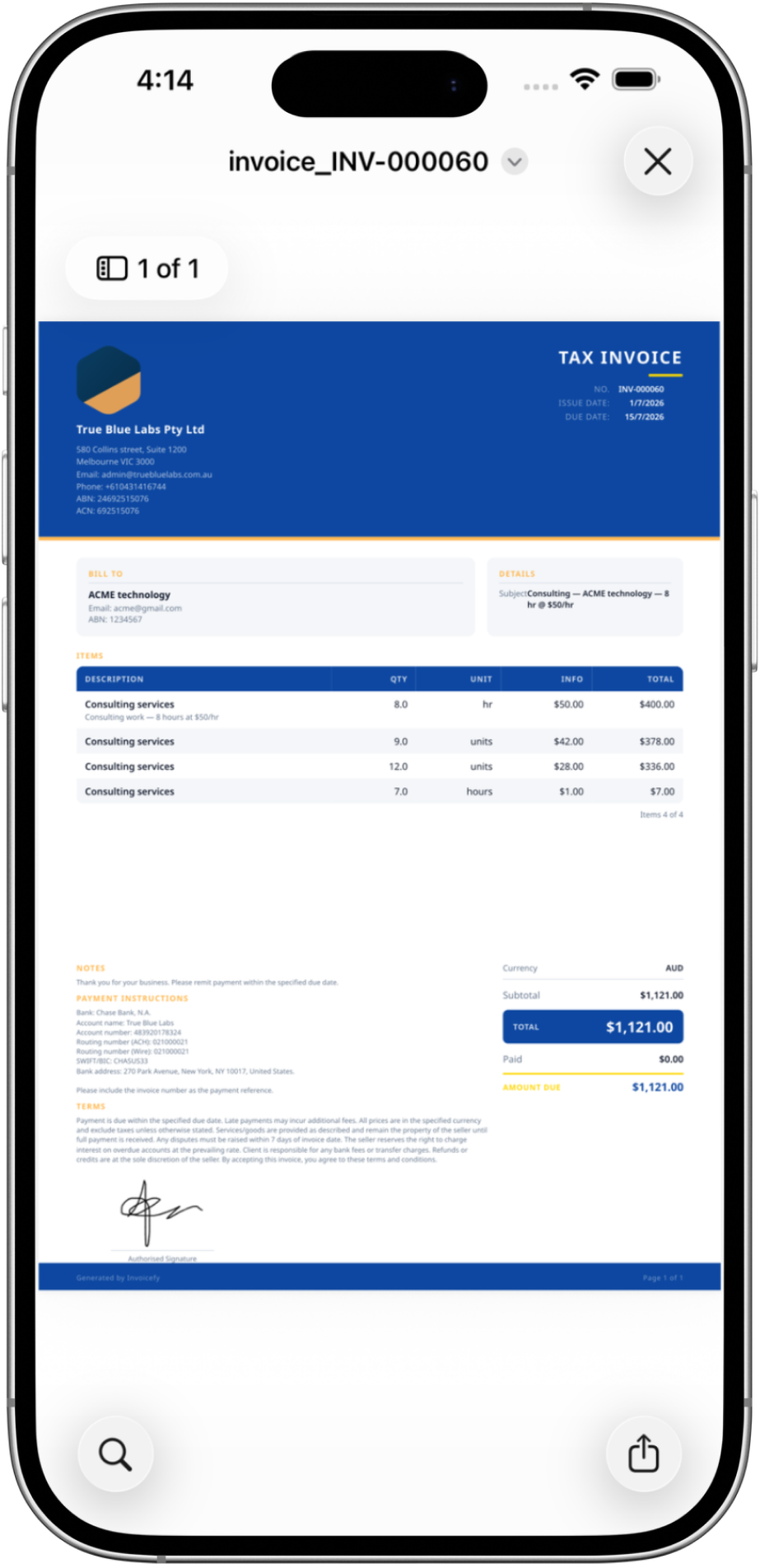
A professional-looking invoice PDF, every time
Here's exactly what your client sees: clear layout, accurate totals, terms and payment instructions — all done for you.
- Tax identifiers shown correctly for your country
- Line items, discounts and taxes calculated for you
- Your logo, signature and brand colors applied automatically
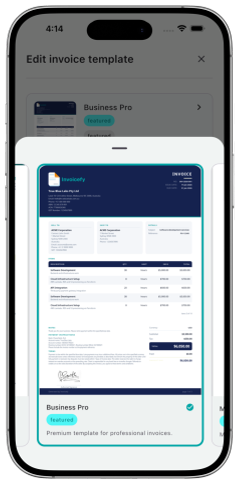
Make every invoice look like your brand
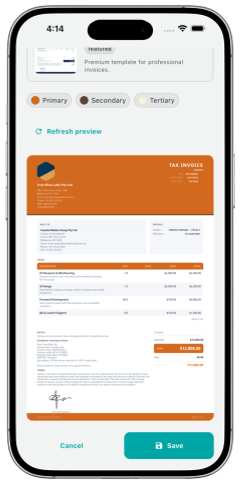
Pick from 200+ templates and adjust primary, secondary and tertiary colors — the PDF updates instantly.
- 200+ ready-made templates
- Full color customization, not just a logo swap
- Live PDF preview as you adjust
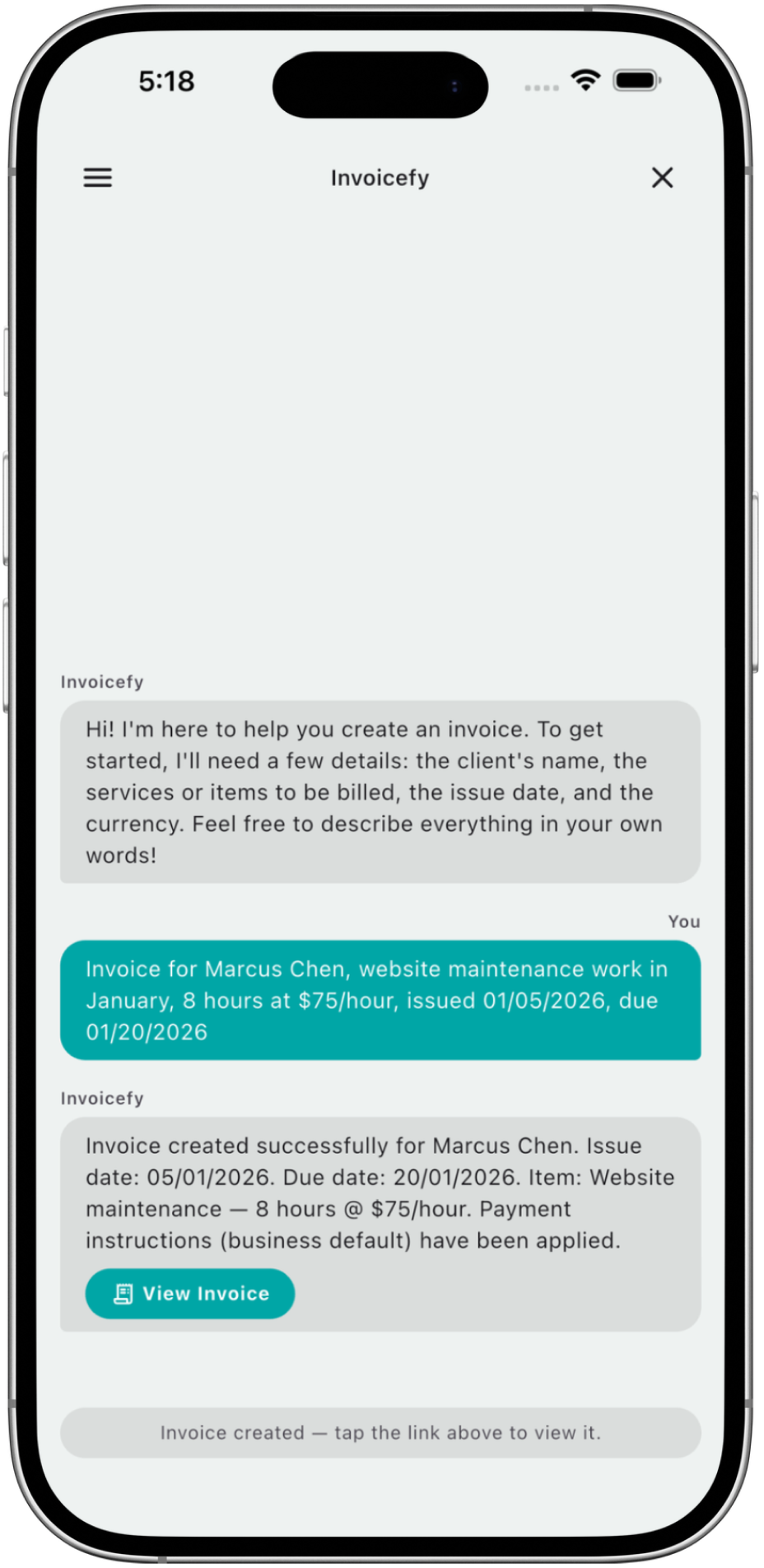
Turn plain text into an invoice in seconds
text2invoice uses AI to understand phrases like describing hours of work for a client, and instantly turns them into a complete invoice — client, line items, amounts and due dates.
- Save time on manual data entry
- AI detects amounts, hours and descriptions
- Generates a ready-to-send PDF in the same flow
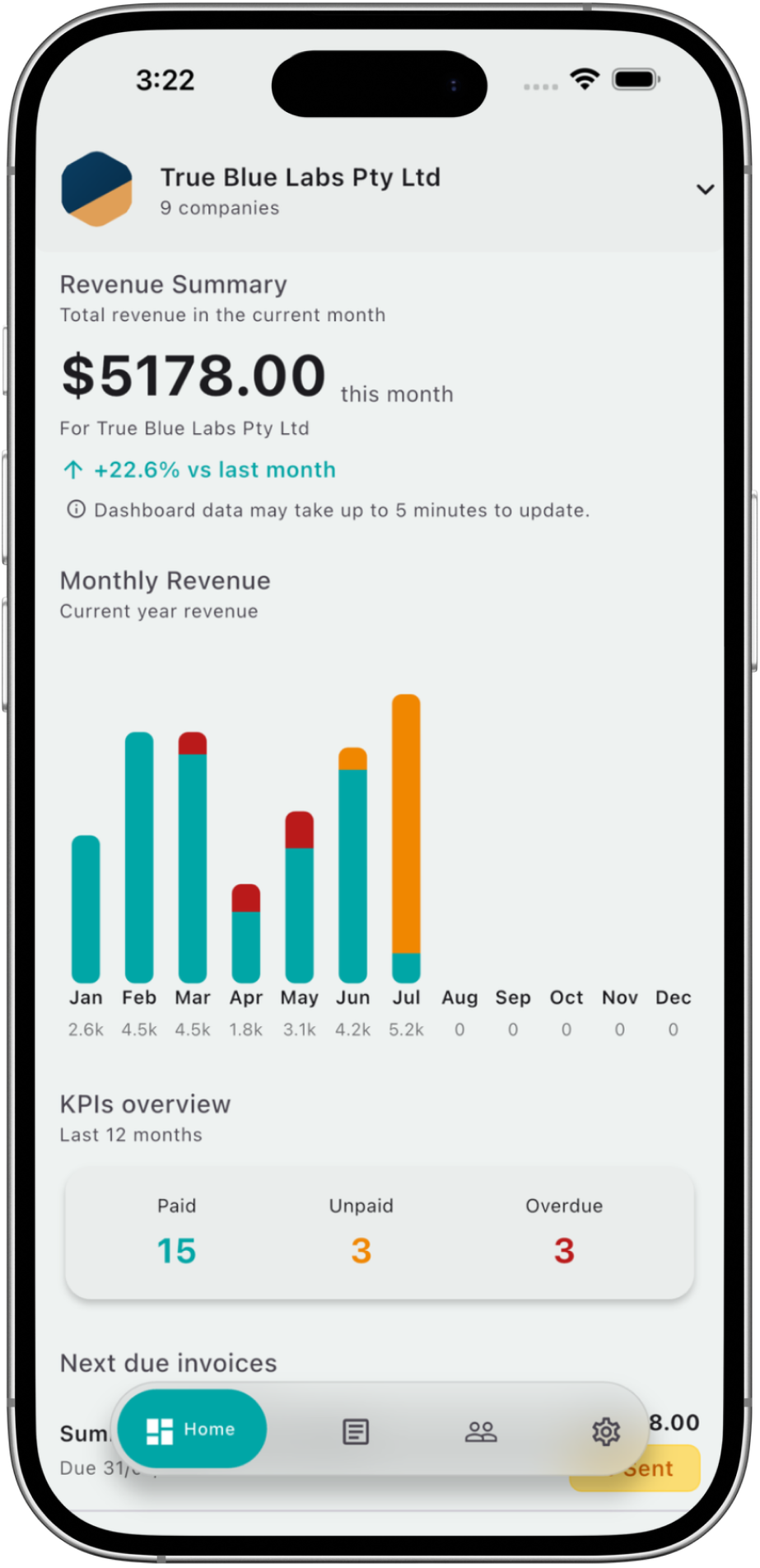
See your business at a glance
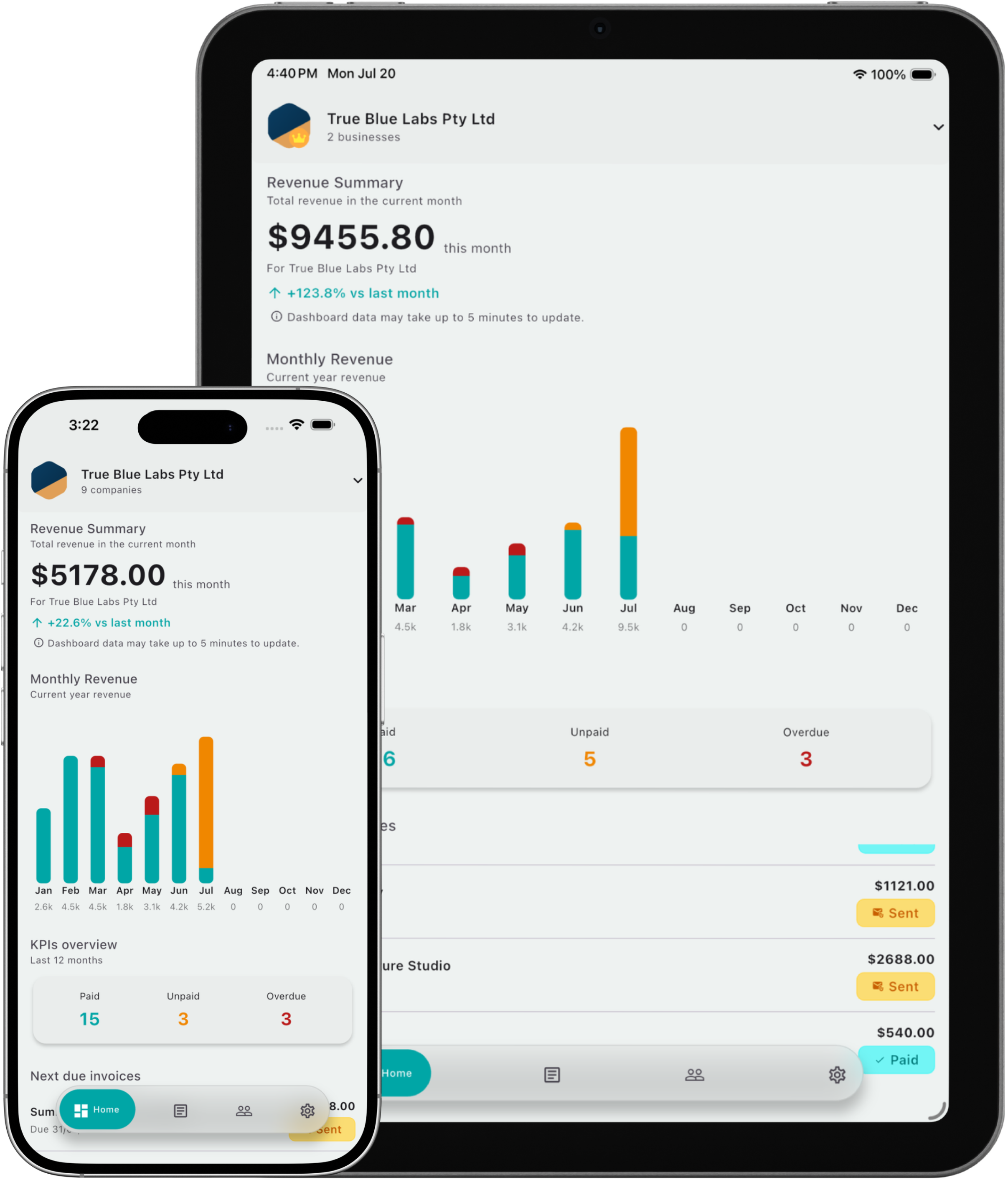
A real-time dashboard with revenue, invoice status and monthly trends for your active business.
- Monthly revenue with month-over-month comparison
- Paid, unpaid and overdue invoices at a glance
- Yearly revenue chart broken down by status
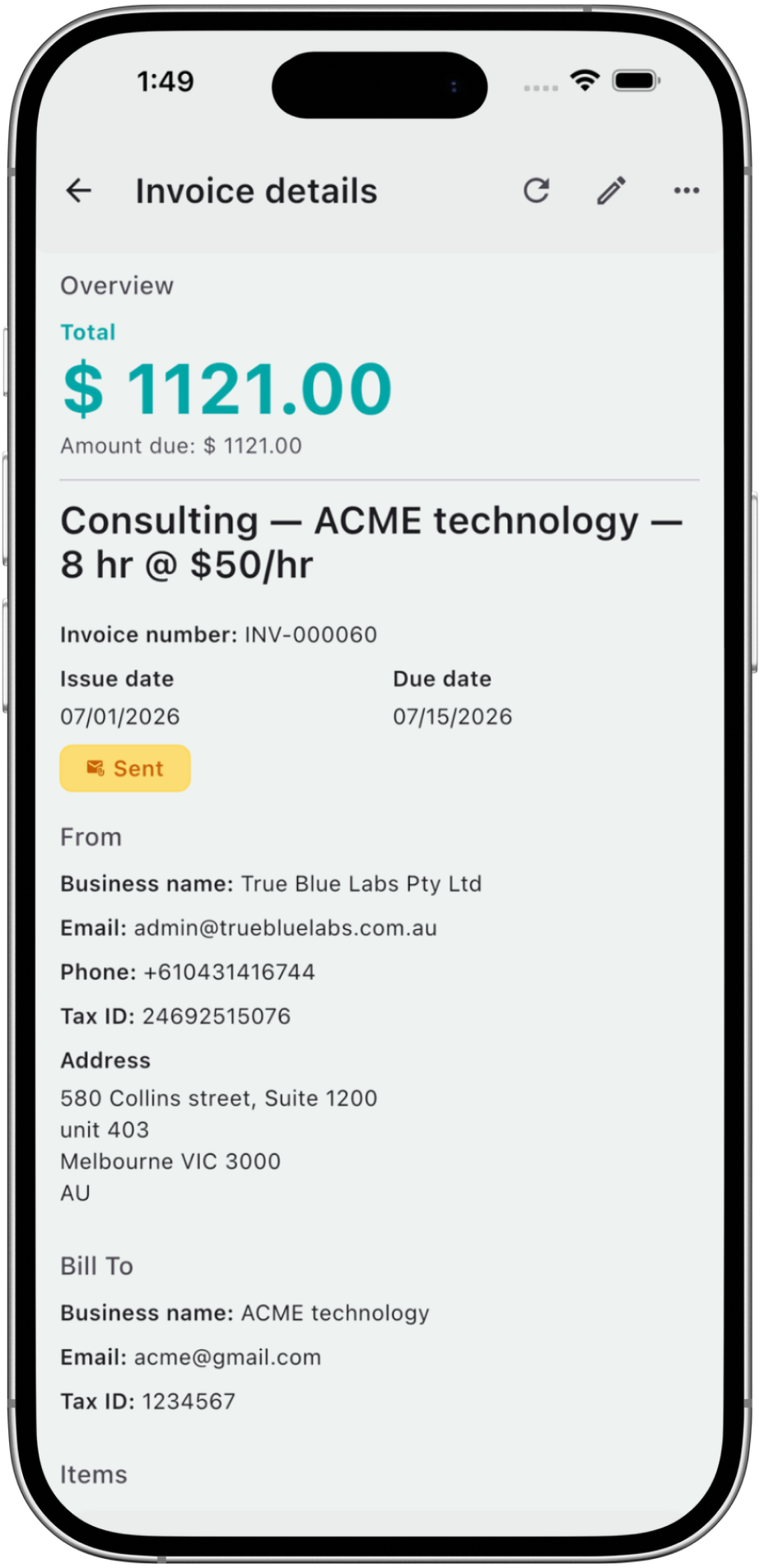
A clear invoice lifecycle, from draft to paid
Every status change sends the right email automatically — sent, overdue, paid or cancelled — with a full history you can always check.
- Draft, sent, paid, partially paid, overdue or cancelled
- Automatic client emails on every status change
- Full email history for every invoice
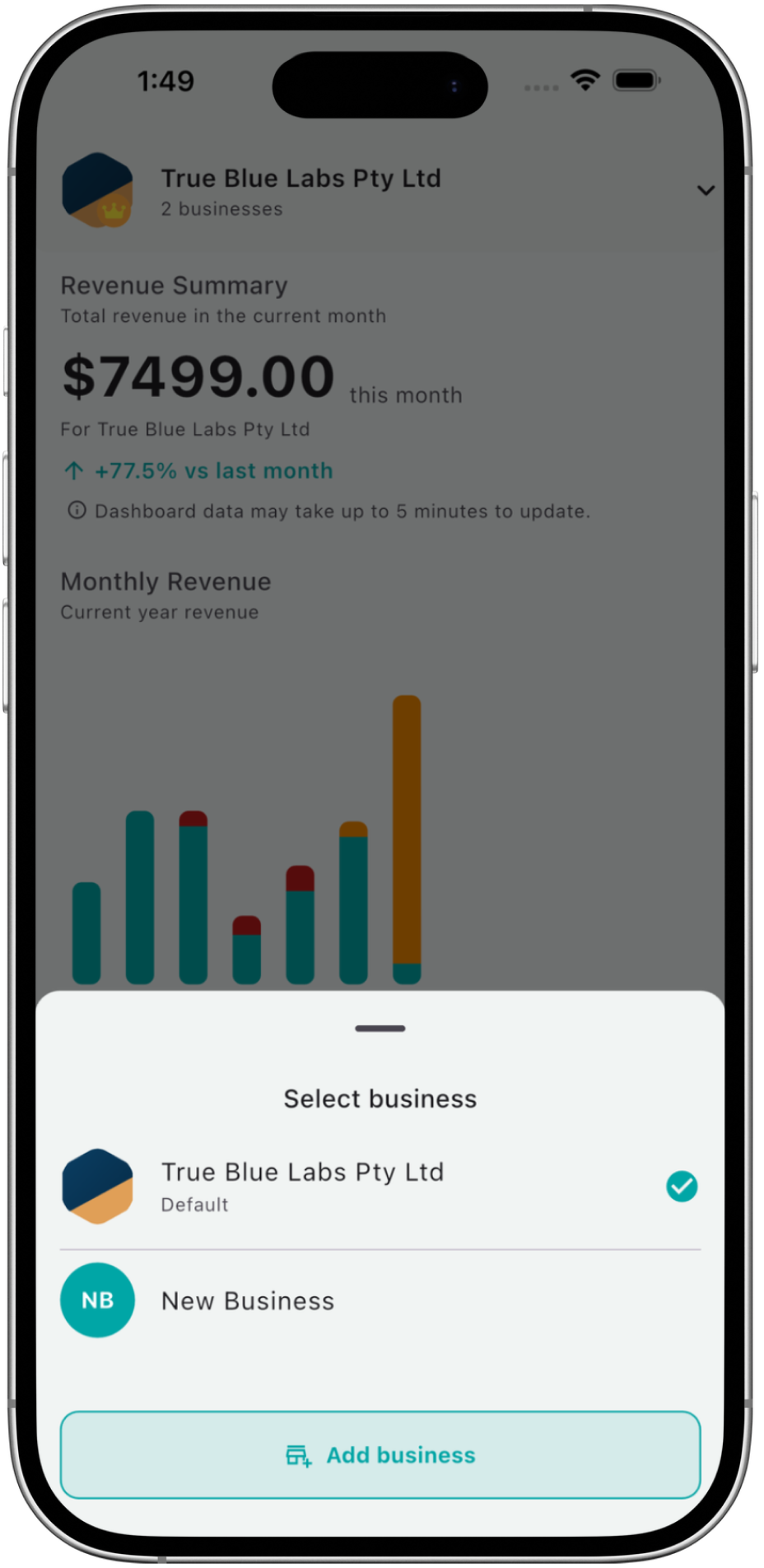
One account, every business you run
Create, switch and manage multiple businesses from a single account. Your primary business is always protected from deletion.
- Switch businesses in one tap
- Separate clients, invoices and branding per business
- Add a new business any time, no extra account needed
Simple pricing that grows with you
Unlimited PDFs on the Free plan. Upgrade only when you actually need more.
Free
- Unlimited invoices in PDF
- Up to 10 clients
- Up to 10 text2invoice generations
- Standard templates
Premium
Most popular- Access to all premium templates
- Unlimited clients
- Unlimited text2invoice
- No limit on monthly invoiced amount
Billed through the App Store or Google Play. Prices may vary slightly by country due to local taxes.
Free plan limits: using a premium template, invoicing more than 1,000 in your business currency, more than 10 clients, more than 10 text2invoice generations, or sending emails to clients with Invoicefy formatting. Limits are subject to change.
Frequently asked questions
How does the Free plan work?
Free gives you unlimited PDFs. A few actions are reserved for Premium: using a premium template, invoicing more than 1,000 in your business currency, adding more than 10 clients, generating more than 10 invoices with text2invoice, or sending emails with Invoicefy formatting.
Can I issue invoices with the right tax identifiers for my country?
Yes. Invoicefy adapts tax fields — like ABN and GST in Australia, or VAT and EIN elsewhere — automatically based on your business address.
What is text2invoice?
Our AI-powered feature: describe your work in plain text and Invoicefy turns it into client, items, amounts and due dates, ready for the PDF.
Do I need to create an account to use Invoicefy?
No. Guest mode lets you send your first invoice right away. You can create a full account whenever you want, without losing any data.
Where is my data stored?
Your data is stored securely on the cloud, with encryption in transit and at rest.
How does Premium billing work?
Premium is a monthly or yearly subscription managed through the App Store or Google Play, billed directly by the store you downloaded Invoicefy from.
Ready to invoice better?
Send your first invoice in under a minute — no account required.